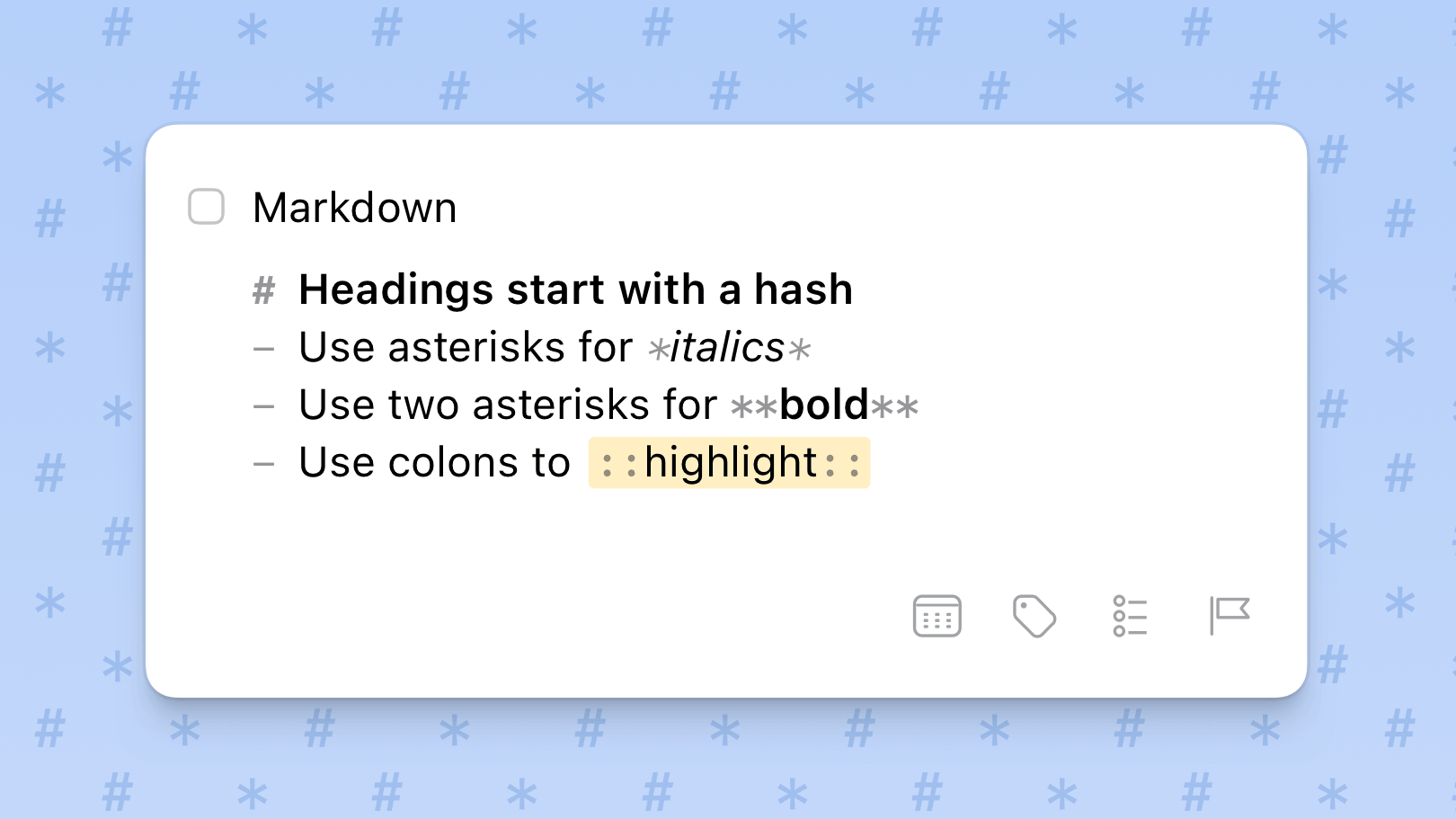
If you’ve spent any time in the world of software development, open-source projects, or technical writing, you’ve almost certainly encountered Markdown. It’s the quiet workhorse behind millions of README files, API docs, wikis, and developer guides. But knowing that Markdown exists is very different from knowing how to use it well. Many writers use only a fraction of what Markdown offers, producing documents that are technically correct but poorly structured, hard to scan, and frustrating to maintain.
This guide covers the most impactful Markdown tips to help you produce technical documentation that is clear, consistent, professional, and genuinely useful to your readers.
Why Markdown Works for Technical Docs
Before diving into tips, it’s worth understanding why Markdown has become the default format for technical documentation. First, it uses human-readable syntax, meaning files remain understandable even without rendering in a browser or editor. Second, Markdown is inherently version control friendly — plain text files work seamlessly with Git, allowing teams to track changes, review diffs, and collaborate without binary conflicts.
Markdown is also platform independent, working across all operating systems and tools, and it enjoys universal compatibility with platforms like GitHub, GitLab, Confluence, Notion, and documentation generators like MkDocs and Docusaurus. Finally, its simple syntax means you spend less time wrestling with formatting and more time actually documenting.
Master the Heading Hierarchy
One of the most common mistakes in technical documentation is misusing headings. Headings are not just visual tools — they define the semantic structure of your document, which matters for screen readers, search engines, and automated documentation generators.
Follow these rules religiously:
- Use only one H1 (
#) per document — this is your page title - Use H2 (
##) for main sections, your primary organization layer - Use H3 (
###) for subsections within those main sections - Use H4 (
####) sparingly, only for deeply nested details - Never skip heading levels — jumping from H2 to H4 breaks structure and confuses readers
Keep your heading text concise (under 60 characters is a good rule of thumb) and descriptive enough to be scannable. A reader should be able to skim just the headings of your document and get a solid understanding of what it covers. Use parallel structure across headings at the same level — for example, all starting with a verb (“Installing the SDK”, “Configuring the API”, “Testing Your Setup”) creates a rhythm that aids comprehension.
Format Code Blocks Properly
Technical documentation lives and dies by how well it presents code. Nothing frustrates a developer more than ambiguous code snippets that lack context or syntax highlighting. Markdown gives you two powerful options for displaying code.
For inline code — a command, variable name, or short snippet within a sentence — wrap it in single backticks. For example: use npm install to install dependencies. This signals to the reader that the text is literal code, not prose.
For multi-line code examples, always use fenced code blocks — three backticks before and after the block — and critically, always specify the programming language right after the opening backticks:
def greet(name):
    return f"Hello, {name}!"
Specifying the language (e.g., python, javascript, bash) enables proper syntax highlighting in rendered environments and leaves no ambiguity for both human readers and AI tools that may process your docs. Never paste raw code without a fenced block — it’s one of the fastest ways to make documentation look unprofessional and hard to follow.
Use Lists Strategically
Walls of text are the enemy of technical documentation. Lists break complex information into digestible pieces, making your content far easier to scan during a quick reference lookup — which is exactly how most developers read docs.
Use bulleted lists (with hyphens -) when the order of items doesn’t matter, such as a list of features, prerequisites, or options. Use numbered lists when sequence is critical, such as installation steps or a troubleshooting procedure.
A clever pro tip: for numbered lists, you can write all items as 1. and let the Markdown renderer handle the actual numbering. This makes reordering items much easier since you don’t need to manually renumber everything.
Keep list items parallel in structure. If one bullet starts with a verb, all bullets in that list should start with a verb. Avoid deeply nested lists — if you find yourself going three or four levels deep, that’s a signal you should restructure with additional headings instead.
Add Front Matter and Metadata
When writing Markdown for a documentation site, blog, or CMS, always include front matter at the very top of your file. Front matter is a block of metadata enclosed between triple dashes (---) that provides key information about the document — things like the title, author, publish date, description, and tags. Here’s an example:
---
title: "Getting Started with the API"
author: "Cesar Garcia"
date: 2026-03-16
description: "A beginner's guide to using the REST API."
tags: [api, getting-started, reference]
---
Documentation platforms, static site generators, and search engines use this metadata to index, organize, and display your content correctly. Skipping it means losing valuable discoverability and context for your readers.
Write for Readability: Line Length and Language
Markdown’s formatting options are only as good as the prose inside them. A few writing discipline rules make a massive difference in documentation quality.
- Limit line length to around 100 characters in your raw Markdown source. This makes diffs easier to read in version control and keeps your source tidy.
- Spell out acronyms on first use — write “Graphical User Interface (GUI)” before subsequently using just “GUI.”
- Avoid jargon unless absolutely necessary; if you use a technical term, define it immediately.
- Use active voice — “The function returns a string” is clearer than “A string is returned by the function.”
- Run spellcheck and grammar checks on every document before publishing. Sloppy writing undermines credibility and obscures meaning.
The goal is precision, not verbosity. A well-written technical sentence says exactly what it means in as few words as possible.
Use Tables for Structured Comparisons
Markdown tables are underused and underappreciated. When you need to present structured data — comparing configuration options, API parameters, or feature differences — a table is far more readable than a series of bullet points.
Here’s a basic Markdown table structure:
| Parameter | Type   | Required | Description            |
|-----------|--------|----------|------------------------|
| userId    | string | Yes      | Unique user identifier |
| limit     | int    | No       | Max results returned   |
Tables work especially well for API reference documentation, where developers need to quickly look up parameter names, types, and descriptions. Keep table content concise — tables are for quick reference, not for lengthy explanations.
Use Descriptive Link Text
Links are essential in technical documentation — you’re constantly pointing readers to related guides, external resources, or API references. The way you write link text matters enormously.
Bad: Click here for more information.
Good: See the API Authentication Guide for full details.
Descriptive link text improves accessibility, helps readers understand where a link leads before clicking, and is also better for SEO. Never use “click here,” “this link,” or bare URLs as link text in professional documentation.
Enforce Consistency with Linting Tools
One of the biggest challenges in team-based documentation is maintaining consistency across dozens or hundreds of files written by different people at different times. The solution is Markdown linting.
Tools like markdownlint automatically check your Markdown files for formatting errors, style violations, and structural issues — things like skipped heading levels, missing blank lines around code blocks, or inconsistent bullet styles. You can configure these tools with a .markdownlint.json file to enforce your team’s specific style guide, and integrate them into your CI/CD pipeline so documentation issues are caught before they ever reach production.
Beyond linting, adopting a formal style guide — such as the Microsoft Writing Style Guide or Google’s Developer Documentation Style Guide — and following it consistently ensures a unified tone and structure across all your documentation.
Structure Your Repository Thoughtfully
Great technical documentation isn’t just about individual files — it’s about how those files are organized. Every documentation project should start with a well-crafted README.md file.
Your README is the front door to your project. It should give a high-level overview of what the project does, how to install it, how to use it, and where to find more detailed documentation. Think of it as a map: readers should be able to land on your README and immediately understand where everything is.
For larger projects, organize your Markdown files into logical directories — /docs, /guides, /api-reference — and use a consistent naming convention for all files. Store your documentation in version control alongside your code so that docs and code evolve together. Write meaningful commit messages for documentation changes, like docs: update authentication examples, rather than vague messages like “update docs.”
Markdown is deceptively simple. In a few minutes, anyone can learn the syntax. But mastering it for technical documentation requires intentional practice around structure, readability, consistency, and tooling. By following a clear heading hierarchy, formatting code correctly, writing clean prose, using metadata, linting your files, and organizing your repository thoughtfully, you’ll produce documentation that developers actually want to read — and that genuinely helps them succeed with your product.
The best technical documentation is invisible in the best way possible: the reader finds exactly what they need, understands it immediately, and gets back to building. Markdown, used well, gets you there.